YOUR DUO. THE ORANGE-BOOTH LOOK.

Hotel Lobby AI Filter

Turn two photos into a new orange-booth portrait. Sign in and use 18 paid credits for a 1K still, vertical or landscape.

Paid creditsSign-in requiredPrivate downloads
THE STUDIO / 01

Make your entrance.

✦ Paid credits · no free allowance
Performer 1LEFT
Performer 2RIGHT
Generation settings
Make a

18 credits · 1K studio portrait · Results vary Failed tasks return credits.

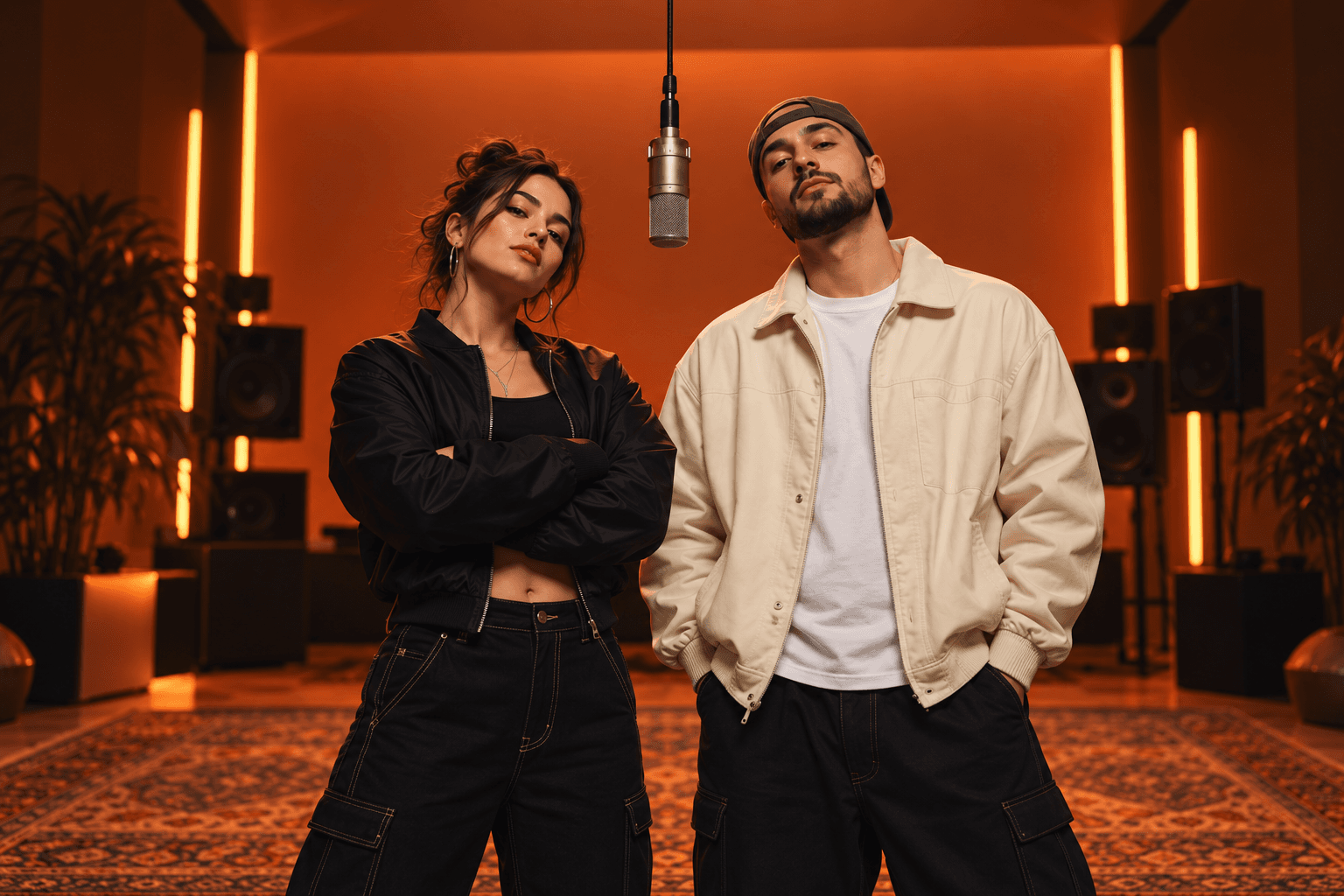
Illustrative orange-room duo; your generated result will appear hereORANGE ROOM / STAGE PREVIEW
Illustrative stage · your photos go here

How the AI filter works.

01

Sign in and add creditsSign in, then buy a credit pack. Generation requires a sufficient paid balance.

02

Build your duoAdd two clear photos of consenting adults. Choose 9:16 or 16:9; a photo costs 18 credits.

03

Follow your takeWatch the task status and return to it in your private library. Download a completed result; confirmed failed tasks return reserved credits.

GENERATED HERE

See a real take.

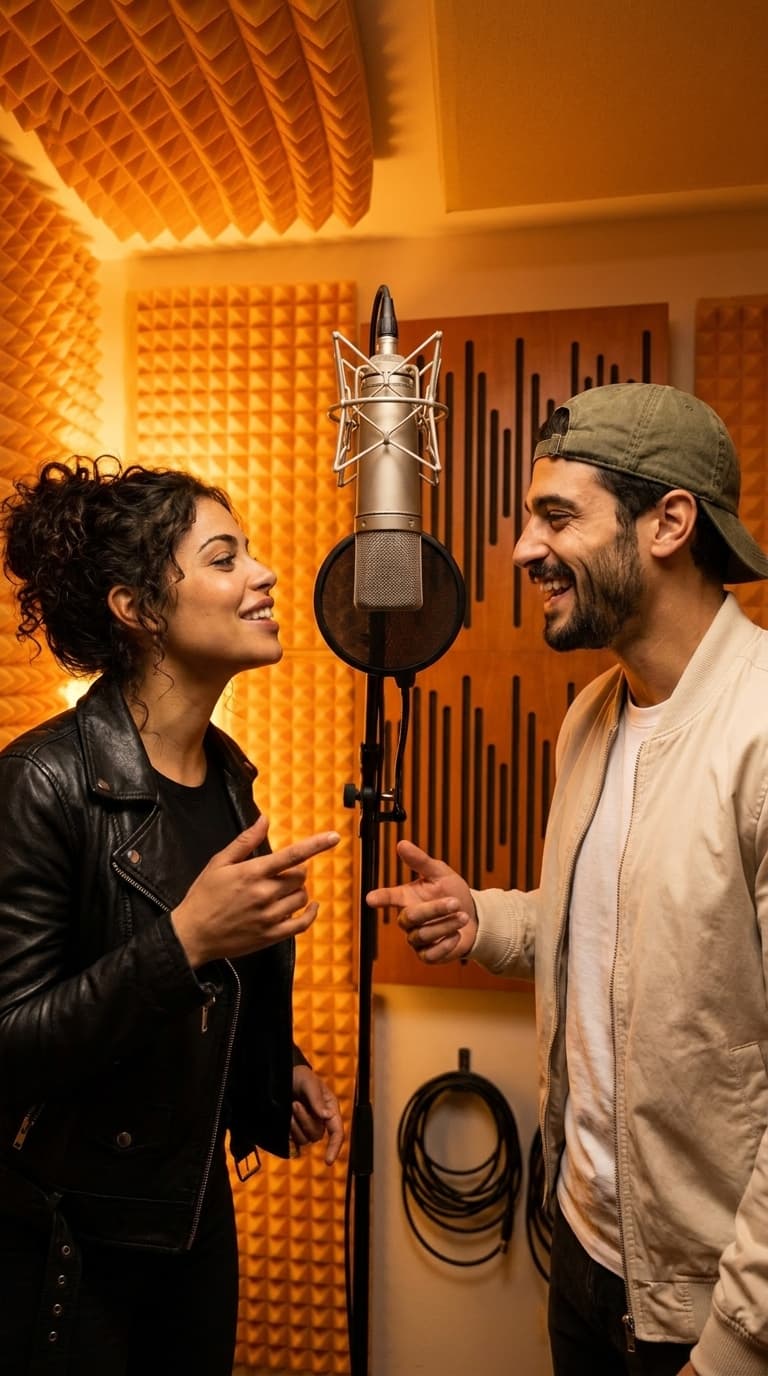
Actual AI results with fictional adult performers. Results vary.

4-second duetPreview · 480p · 16 credits
Actual AI-generated orange-booth duo portrait with fictional adult performers
One duo portraitPhoto · 1K · 18 credits

An AI scene transformation from your photos

This Hotel Lobby AI filter generates a new image from your reference photos. It recreates the orange setting, microphone and lighting around your duo. It is not a conventional overlay or an exact face-swap guarantee; faces, outfits and small details can change.

Our current tool needs two distinct reference photos of consenting adults. One-person, pet and text-only generation are not part of this release. Each upload must be JPG, PNG or WebP, no more than 10 MB and at least 256 × 256 pixels.

Build a cover frame or a wider portrait

Choose Photo to request one 1K still at a fixed cost of 18 credits. Use 9:16 for a vertical cover or story, and 16:9 when you need a wider composition. Performer 1 is placed on the left; Performer 2 on the right.

Google sign-in and sufficient purchased credits are required; there is no free photo allowance. Finished images are stored in your private library and can be downloaded. Check likeness and image details before using a portrait publicly.

Animate the same orange-booth idea

Switch from Photo to Video in the studio to create a duet performance instead. A 4-second Preview starts at 16 credits. The video settings also offer 10 or 15 seconds, three quality tiers and both frame formats.

A video is a separate generation with its own credit cost. It creates fresh movement from your two photos rather than animating an already generated still. Choose the video generator page for a full explanation of formats, audio and downloads.

A few things to know.

What is the Hotel Lobby AI filter?+

It is an AI scene transformation: two reference photos become a new orange-booth portrait. The scene and lighting are generated around the duo, rather than applied as a simple image overlay.

Does it guarantee an exact face swap?+

No. The model uses your photos as identity references, but facial likeness, clothing and fine details can vary. Review the generated portrait before sharing it.

Can I use just one photo or a pet photo?+

This release requires two distinct photos of consenting adult people. Solo, pet and text-only modes are not available.

How much does the photo filter cost?+

One 1K photo costs 18 purchased credits. Sign in and buy a credit pack before generating. Video mode has separate per-second rates; registration does not grant free credits.