
CLEAR PRICES. NO FREE-CREDIT PROMISE.

Is Hotel Lobby AI Free?

No. Hotel Lobby Studio uses paid credits and requires Google sign-in. The smallest pack is $14.90 for 650 credits; a 4-second Preview uses 16.

Paid creditsSign-in requiredPrivate downloads
THE STUDIO / 01

Make your entrance.

✦ Paid credits · no free allowance
Performer 1LEFT
Performer 2RIGHT
Generation settings
Make a
Video length
Quality

16 credits · 480p · AI-generated audio · Results vary Failed tasks return credits.

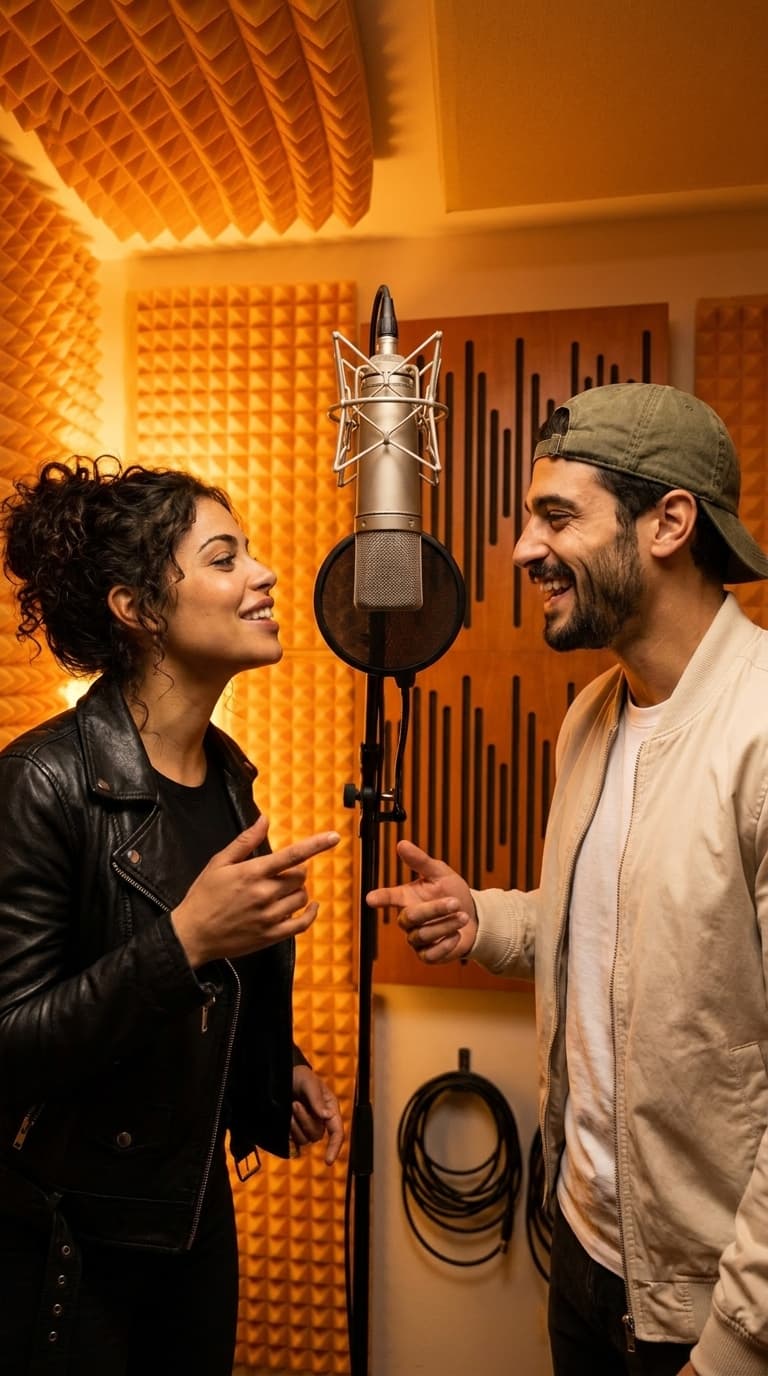
Illustrative orange-room duo; your generated result will appear hereORANGE ROOM / STAGE PREVIEW
Illustrative stage · your photos go here

How to make your Hotel Lobby video.

01

Sign in and add creditsSign in, then buy a credit pack. Generation requires a sufficient paid balance.

02

Build your duoAdd two clear photos of consenting adults. Choose length, quality and format, then check the credit total.

03

Follow your takeWatch the task status and return to it in your private library. Download a completed result; confirmed failed tasks return reserved credits.

GENERATED HERE

See a real take.

Actual AI results with fictional adult performers. Results vary.

4-second duetPreview · 480p · 16 credits
Actual AI-generated orange-booth duo portrait with fictional adult performers
One duo portraitPhoto · 1K · 18 credits

There is no free generation or signup grant

Hotel Lobby Studio does not give free credits when you register, and there is no daily allowance or free guest generator. You can view the sample results and compare costs before buying. To upload your photos and generate a result, sign in with Google and purchase enough credits for the selected task.

The word free in this page’s address reflects a common question about Hotel Lobby AI. It is not an offer of a free result. Creating another account does not unlock a trial, and signing in does not start a subscription or charge your card.

What the smallest paid pack buys

First take costs $14.90 for 650 credits before any applicable taxes. A 4-second Preview at 480p uses 16 credits; one 1K duo photo uses 18. If you use the whole pack only for 4-second Previews, it covers 40 clips with 10 credits remaining. If you use it only for photos, it covers 36 photos with 2 remaining.

Longer clips and higher quality use more credits: a 10-second Preview is 40, a 10-second Standard at 720p is 120, and a 15-second HD at 1080p is 375. Check the displayed total before generating. A credit pack is a one-time purchase, does not renew automatically, and its credits do not expire.

What happens after payment and during generation

Purchased credits are added to the signed-in account after the server verifies a successful payment. A return from checkout alone does not prove payment success. Keep your order reference and use the same Google account to check your balance or contact support.

Each generation has a task status in your private library. Credits are reserved when a task starts and automatically returned for confirmed failures. A still-processing task needs time, while an uncertain provider submission needs a support check before retrying. A completed result uses credits even if you would prefer different likeness, movement or audio.

A few things to know.

Is Hotel Lobby AI free?+

Hotel Lobby Studio is a paid generator. There are no free generations, welcome credits or daily free allowance. The smallest pack costs $14.90 for 650 credits, before any applicable taxes.

Can I generate without signing in?+

No. Google sign-in is required to upload reference photos, generate media and access your private library. You also need enough purchased credits for the task.

What is the lowest generation cost?+

A 4-second Preview video uses 16 credits. One 1K duo photo uses 18 credits. These are credit costs inside a purchased pack, not standalone $16 or $18 charges.

Does signing in start a paid subscription?+

No. Signing in creates your account without a card charge or a credit grant. Packs are separate one-time purchases; they do not renew automatically.

Will a failed generation use my credits?+

Confirmed failed tasks automatically return reserved credits. A processing task is not a confirmed failure. If the provider submission status is uncertain, contact support with its task reference before starting another attempt.