What is the Drake Burning Bridges AI trend?
The Drake Burning Bridges AI trend puts a new lead into a chandelier-lit party performance. The visual hook is a confident host, a silver cup, nearby guests and a close handheld camera. Cup-raising, waving and the hand-above-the-eyes searching gesture make it recognizable; it is more specific than a generic dance video.
Our version creates a fresh scene around the adult in your photo. Your portrait guides the host; the background guests are newly generated. You do not need a second portrait or a written prompt. This independent studio is not affiliated with Drake, and the generated clip is not an edit of his original video.
Choose your Burning Bridges signature move
Cup raise & wave directs a toast, a point toward the camera and a relaxed wave. Hand-above-eyes search directs the free hand above the eyes while the lead looks around, then lowers it and waves. Laid-back entrance keeps the performance calmer, with head nods, a short step toward the lens and a confident final look.
Choose a warm chandelier room or an after-dark party. The silver cup stays in the right hand, leaving the left hand free for gestures. Optional performance notes can ask for a slower camera move or a different energy. These are generation directions: exact gesture order, hands, identity and timing can vary. A 4-second test has room for fewer actions than a 10 or 15-second take.
One photo in, a Burning Bridges-inspired video out
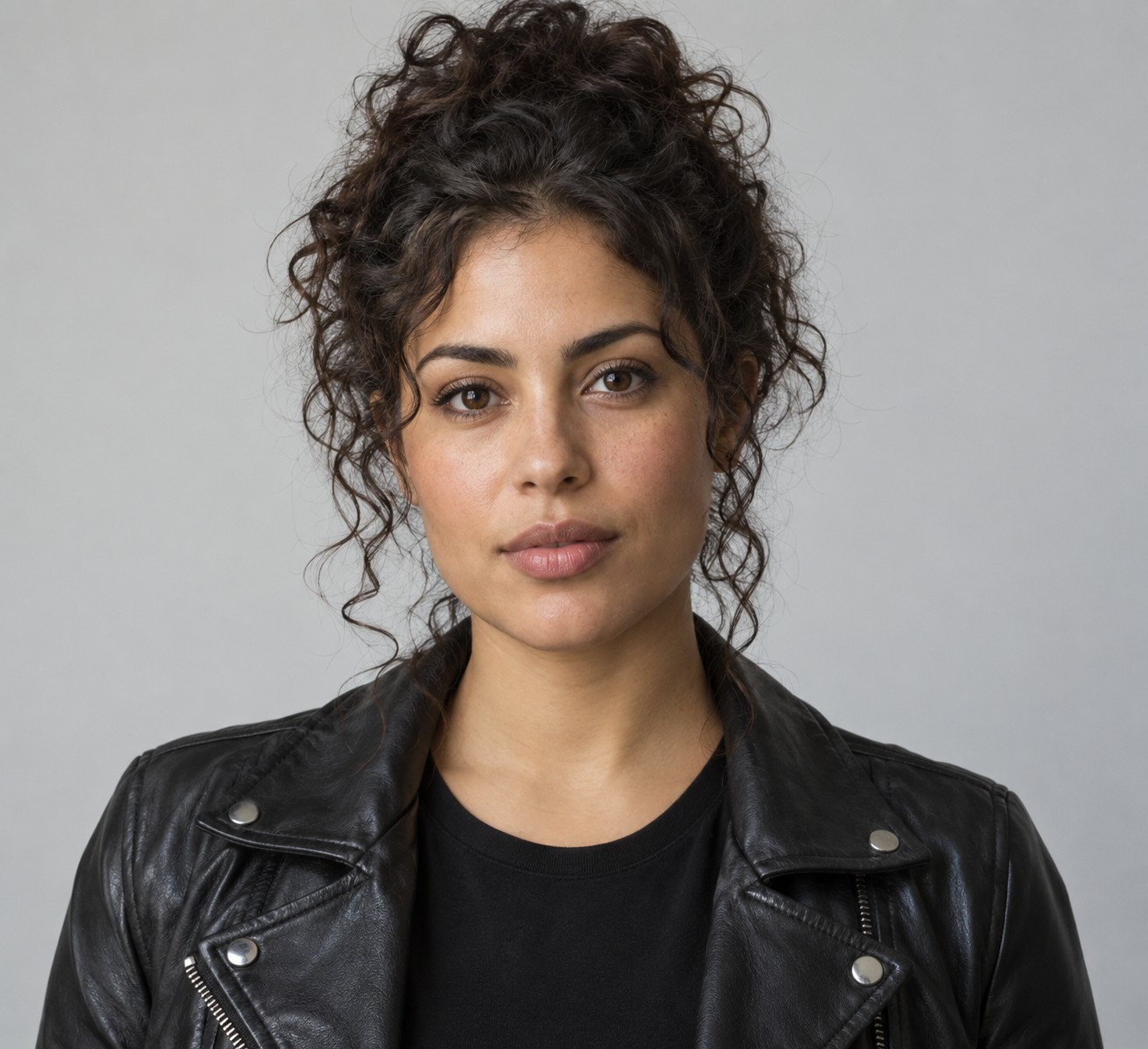
Upload a sharp photo showing one consenting adult, with their face visible and some of their outfit in frame. A waist-up portrait works well for the cup and hand gestures. Use JPG, PNG or WebP, at least 256 × 256 pixels and no more than 10 MB. The demo below uses a fictional adult reference, separate from private customer photos.
This page takes one reference image. Hotel Lobby and Migos use two portraits to cast a duo; this tool instead gives one person the foreground spotlight. It generates a new party rather than transferring the exact motion, crowd or camera path from uploaded source footage. Review the face and cup through the whole video before sharing.
Pick a video model and see the price first
Economy makes a 480p take at 4 credits per second, Balanced makes 720p at 12, and Studio makes 1080p at 25. Choose 4, 10 or 15 seconds and a 9:16 vertical or 16:9 landscape frame. The studio updates the total before you generate. A 10-second Balanced take uses 120 credits, covered by the $5 one-time pack before applicable taxes.
Sign in with Google or email to upload, then use purchased credits from your existing account. There are no free signup generations. Follow the saved task and download a completed MP4 from your private library. Confirmed failed generations return reserved credits. The demonstration is a curated promotion; your chosen engine makes a separate result.
Music for your party scene
Video generation requests an original hip-hop party instrumental with drums, bass and crowd ambience. It does not supply the original Burning Bridges recording, copy lyrics or clone Drake’s voice. Listen to the actual sample and check your own result after generation.
If you want another soundtrack, add music you are permitted to use in your editor or through the music tools available on your publishing platform. Keep the finished clip clearly fictional and choose a caption that describes your own creative version.