Choose a still instead of a performance
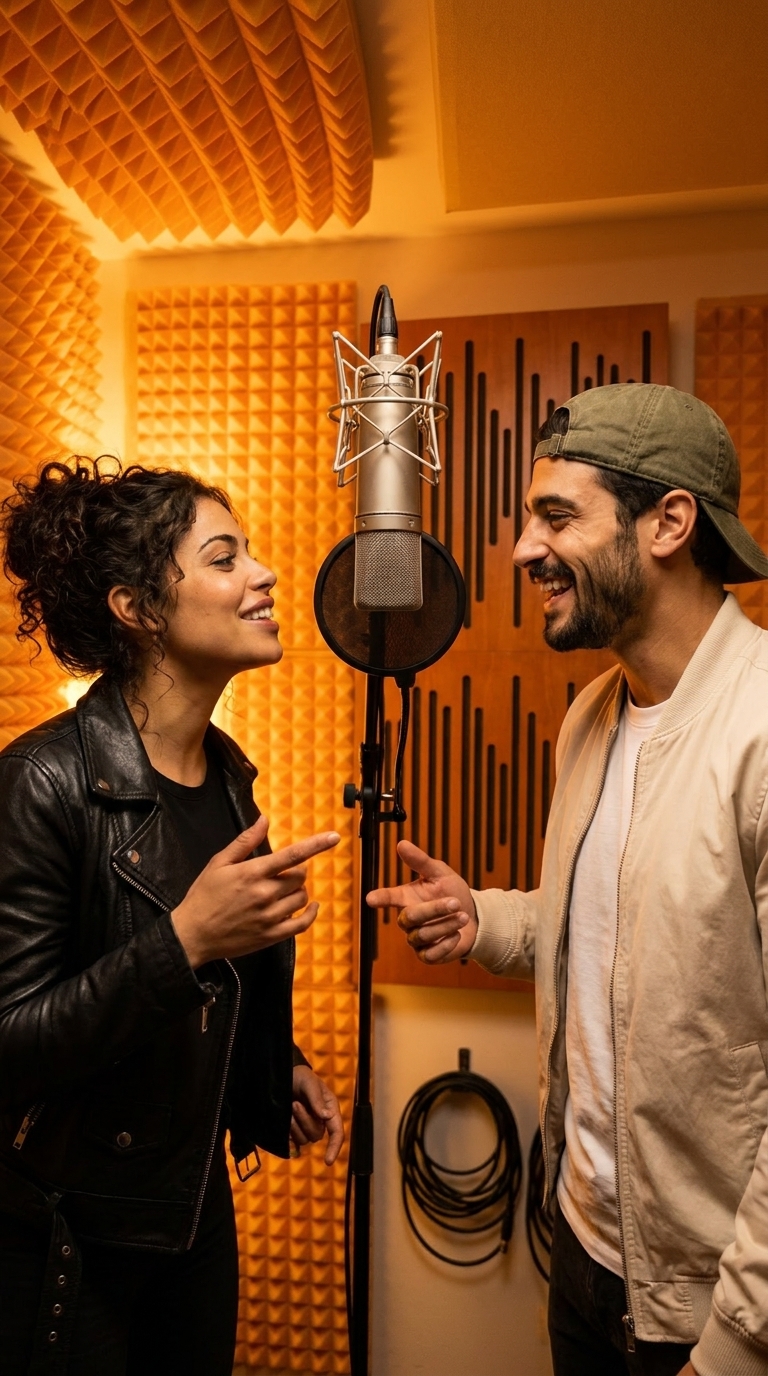
A Hotel Lobby image is a newly generated orange-booth portrait. Two reference photos guide the people, while the booth, microphone and lighting form a new composition. It is useful when you want a cover image or a still scene rather than movement and sound.
Photo mode produces one 1K still and uses a fixed 18 credits, regardless of the video length or quality controls. It is a separate generation, not a free frame extracted from a purchased video. Faces and details can vary, so compare the actual image with your references before sharing.
Prepare the pair and frame the cover
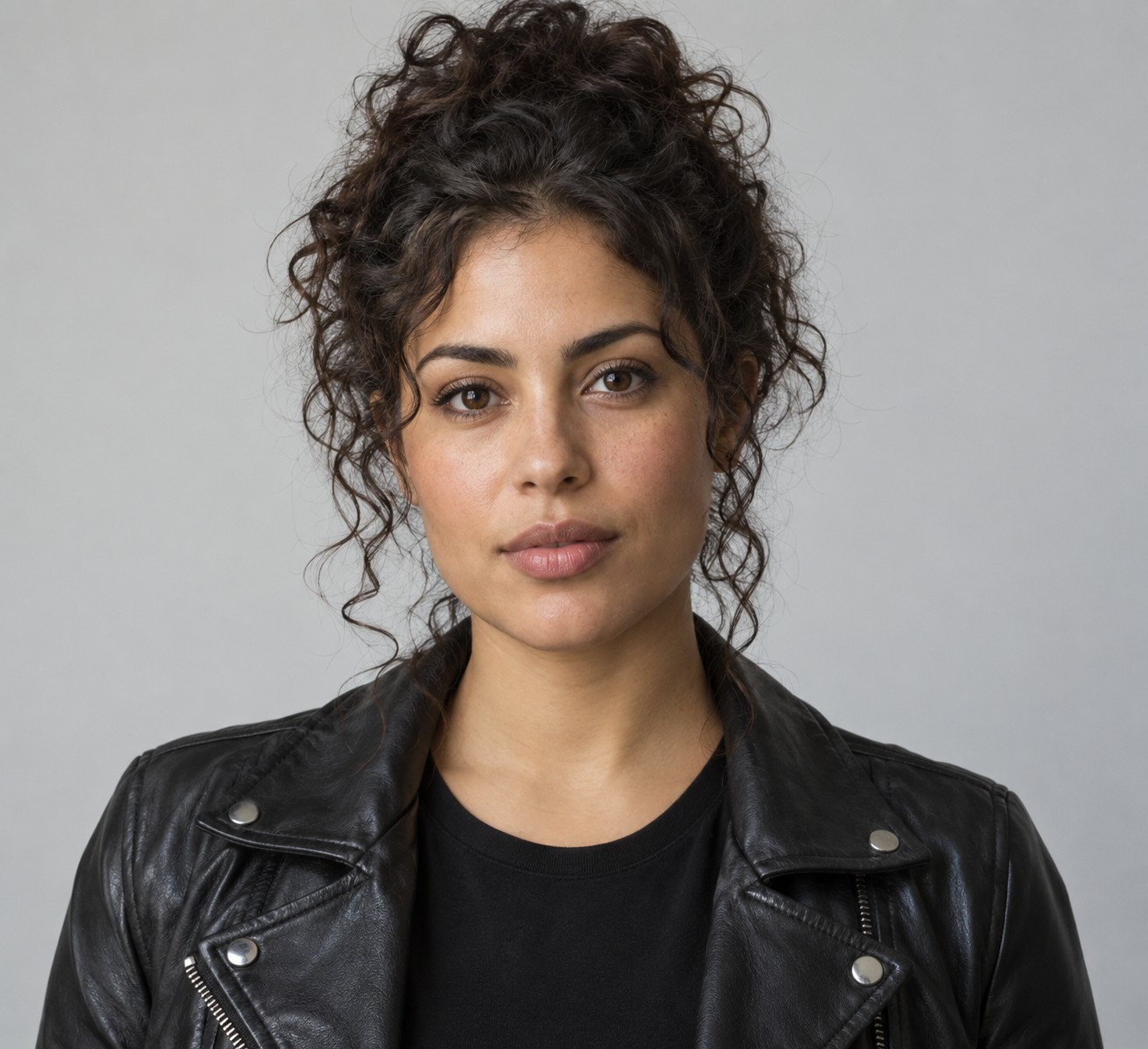
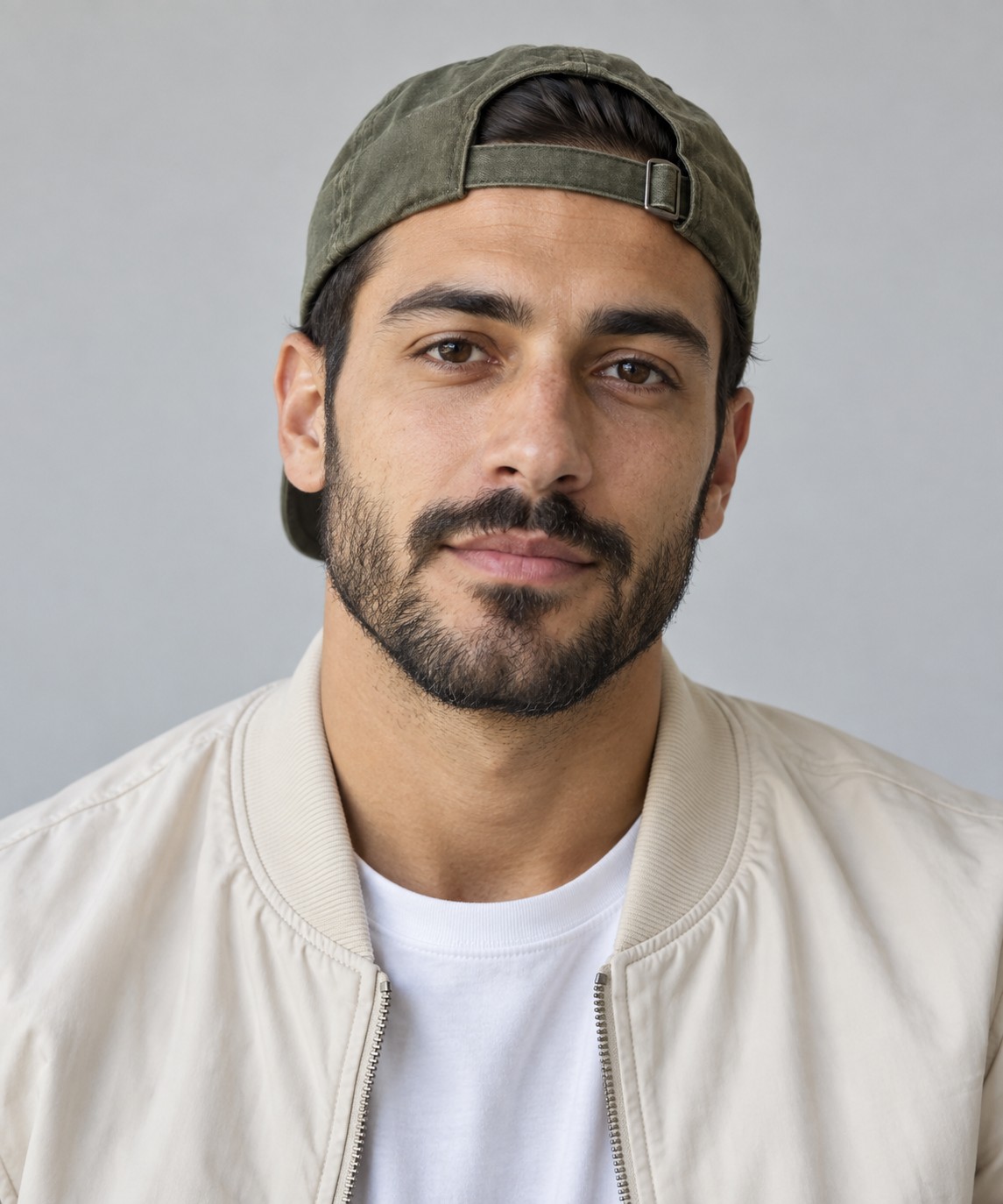
Use one visible adult per upload, with a readable face and enough detail for hair and clothing. JPG, PNG and WebP are accepted, up to 10 MB each and at least 256 × 256 pixels. Reference 1 guides the left performer and reference 2 the right.
Choose 9:16 for a vertical composition or 16:9 for a wider portrait. Any caption or title is added in your own editor afterward; the studio does not have a text-layout tool. Do not cover the faces with text if they are the reason people will recognize the pair.
Sign in, generate and save the image
Use Google or an email account and purchase enough credits before starting. The smallest pack is $5 for 120 credits before applicable taxes. The account has no free signup allowance.
A completed still is saved in your private library for download. Confirmed failed tasks return reserved credits. Switching to Video creates a separate performance with its own quote and generated audio; it does not animate an already purchased still for free.